Managing Subscribers
Track and manage the audience receiving your status updates.
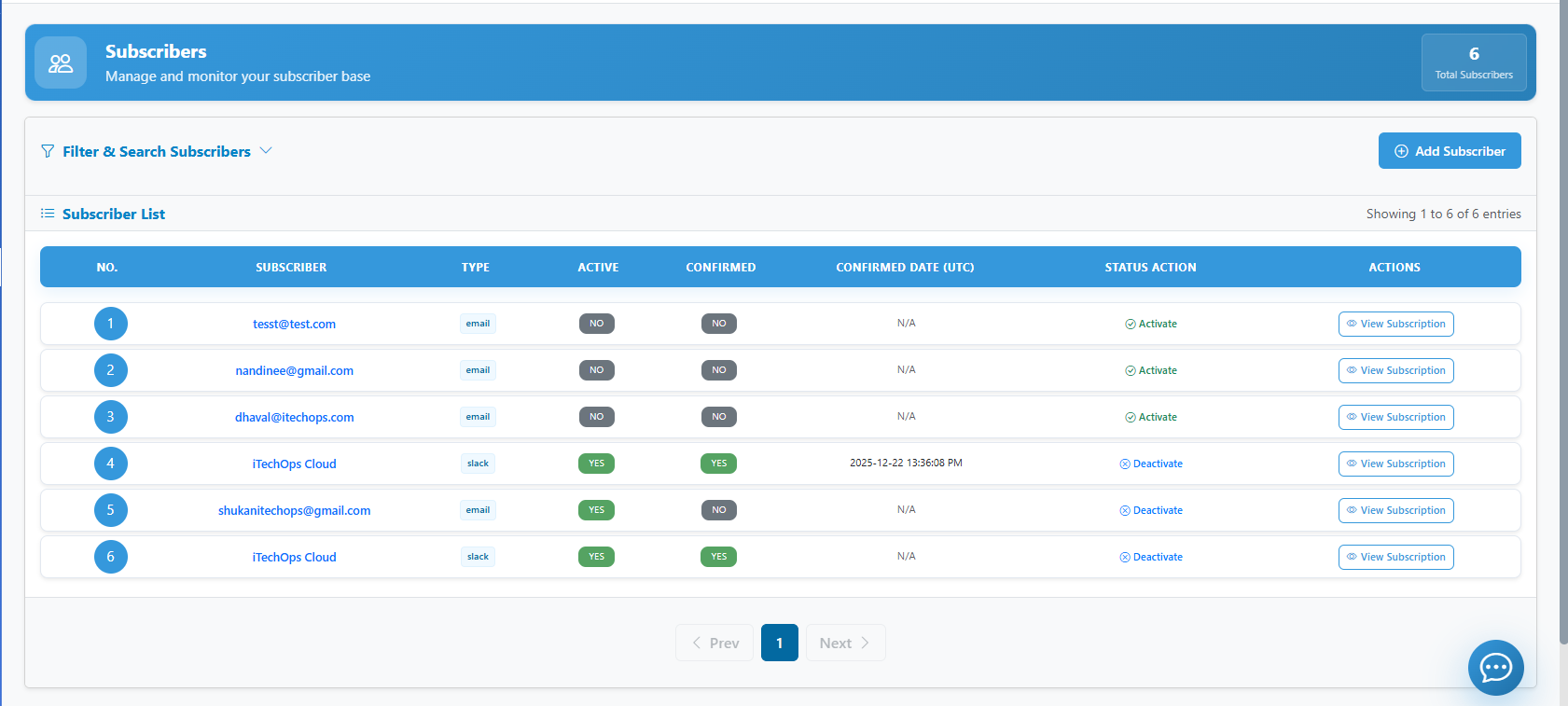
1. Adding Subscribers
- Navigate to Subscribers.
- Click Add Subscriber for manual entry OR
- Use Import CSV to bulk add users.
- Select the notification delivery method (Email, SMS, etc.).
2. Updating Subscription Details
You can change what a subscriber is following.
- Click on a subscriber's email/name.
- Modify the Component Subscriptions.
- Update contact information if necessary.
3. Changing Notification Channels
Configure global settings for how alerts are delivered.
- Go to Settings > Notifications.
- Enable or disable Slack, Microsoft Teams, or Webhook integrations.
4. Deleting Subscribers
- Select one or more subscribers from the list.
- Click Delete.
- These users will no longer receive any updates from your status page.