Global Settings & Branding
Customize the look and feel of your status pages and manage organization-wide configuration.
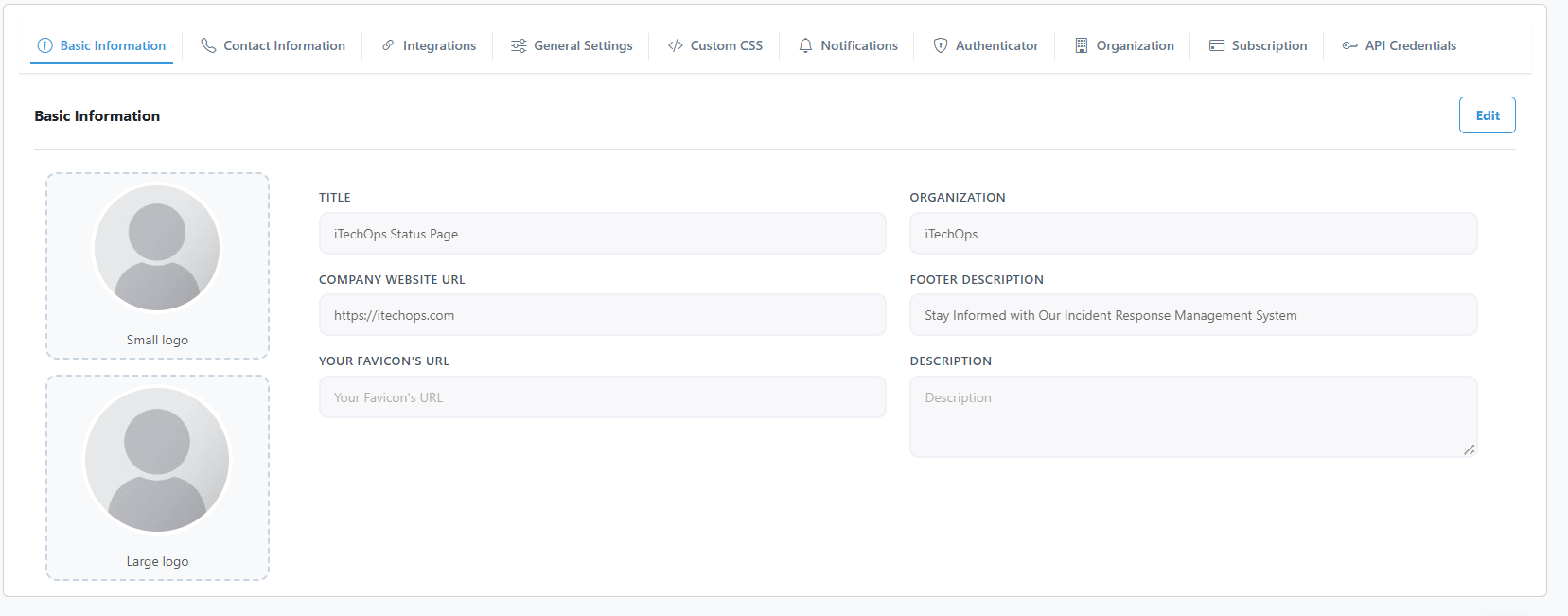
1. Updating Branding
- Navigate to Settings.
- Logo: Upload your company logo.
- Colors: Set your primary brand color and status indicators.
- Favicon: Change the icon shown in browser tabs.
2. Changing Site Information
- Update the Site Name and Support Email.
- Customize the Footer Links to point to your legal and social pages.
3. Managing API Credentials
To integrate with external tools:
- Go to Settings > API Credentials.
- Click Generate New Key.
- Copy the key immediately; it will not be shown again.
- Name your keys (e.g., "Staging Environment") for easy tracking.
4. Deleting API Keys
If a key is compromised or no longer needed:
- Locate the key in the list.
- Click Revoke or Delete.
- Any applications using this key will immediately lose access to the API.